Trip.com flight & hotel like-for-like total comparison
Compare checked amounts and conditions for options A and B. This does not search live prices or determine booking/refund eligibility.
Enter totals for all travelers, flight legs, rooms and nights, not per-person, one-way or nightly rates. Extras must be whole-booking amounts in that option’s currency. Enter each extra charge in one item only.
Compare booking conditions
Check dates, time zones, people, inclusions and detailed rules yourself. Identical product names do not establish equal conditions.
Unknown items are not confirmed as zero. Included costs are not added again. Cancellation/change penalties are conditions, not additions to today’s booking total. Check confirmed refundable deposits separately as funds needed. Use the price after an actually applied coupon; do not subtract it again.
Inputs are processed in this browser only; they are not sent to or stored on a server.
Official sources: Trip.com — Compare booking conditions (EN) · Trip.com Help
Official sources reviewed for this guide: 2026-10-31
To book Trip.com flights cheaply, compare the final amount payable for the same conditions rather than the discount rate. Check carry-on and checked baggage, seats, optional add-ons, and discounts actually applied for the same dates, flights, passengers, and fare. Compare direct airline bookings on the same basis as well; a low price shown in search results or an affiliate link alone is not enough to determine that an option is cheaper.
This article explains how to compare costs before booking. It does not provide real-time lowest fares for specific flights, discount codes that apply to every account, or reviews verified through successful payment. Example amounts are assumptions for explaining the calculations and are not current prices.
Key conditions last reviewed: . Prepared based on official terms and publicly available flight information. Check the specific fare, coupon, and card-related costs again when booking.
Affiliate disclosure: If you book through a Trip.com link in this article, Dassago may receive a commission. The link itself does not guarantee that a discount will be applied or that the price is better.
Check Trip.com products and prices — An affiliate link for checking the applicable terms and final amount for the product.
Key Points for Comparing Trip.com Flight Discounts and Costs
- Match the conditions first. If the airports, dates, flight numbers, fares, or passenger counts differ, it is difficult to determine whether the price difference is due to a discount.
- Include the services you need. If you need checked baggage or seat selection, check whether they are included and whether additional fees apply.
- Judge discounts by the amount actually applied. Check the discount amount and restrictions in the payment details for the booking you selected, rather than relying on advertising claims.
- Compare the amounts on the final screen. Do not add or subtract taxes or discounts again if they have already been reflected in the amount.
1. Check First Whether a Flight That Looks Cheap Has the Same Flight and Fare
If you have found two tickets to compare, it is best to note their conditions before looking at the prices. Even on the same route, they may not be equivalent products if the arrival airport, departure time, routing, or services included in the fare differ.
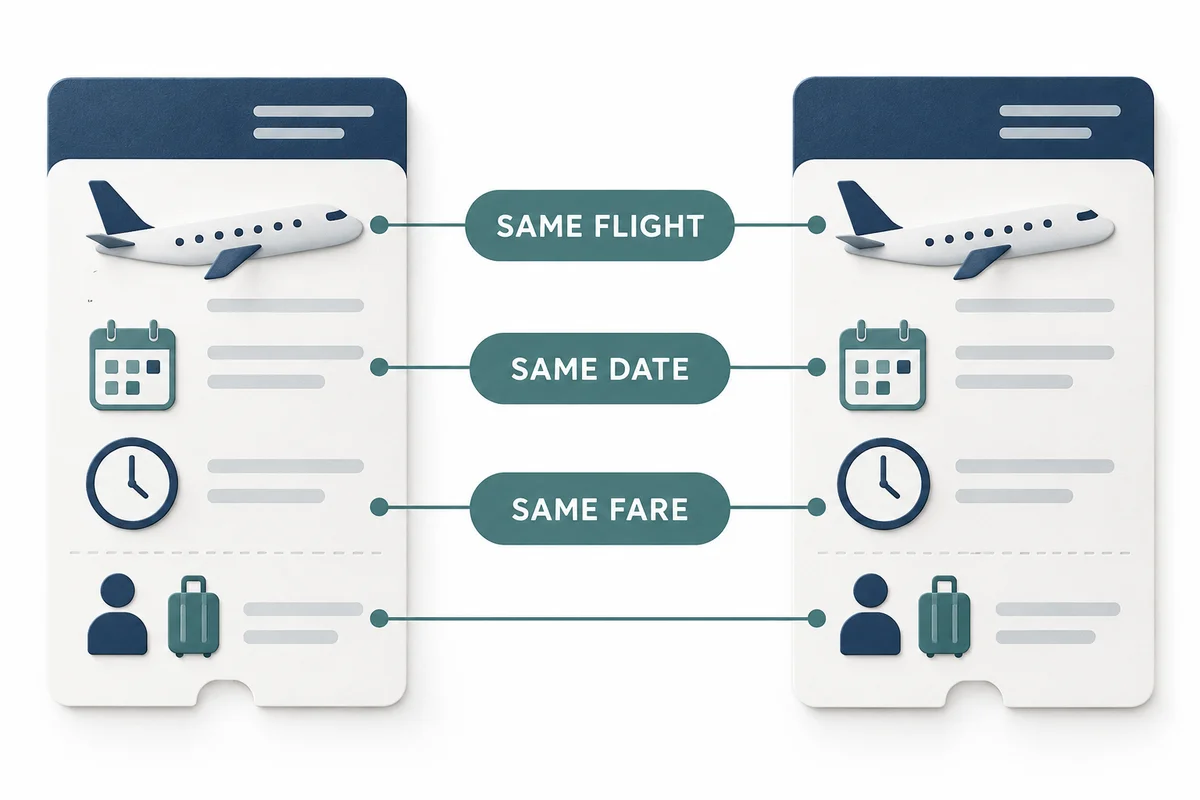
| Comparison Criteria | What to Match |
|---|---|
| Itinerary | Departure and arrival airports, date, time, flight number, stops, and transfer conditions |
| Passengers | Adult, child, or infant classification and number of passengers; whether the price is per person or for everyone |
| Fare | Cabin class, fare type, and baggage and seat inclusions |
| Flexibility | Whether changes or cancellations are allowed and the applicable fees; fare difference terms for changes |
| Time of comparison | If possible, amounts checked at around the same time and in the same payment currency |
Dassago’s basis for comparison is not “who is always cheaper,” but “what is the total when I include all the conditions I need?” If the conditions differ, the differences should be shown alongside the prices.
2. Trip.com Baggage: Check Carry-On, Checked Baggage, and Inclusions by Flight Segment
Carry-on baggage allowance and checked baggage inclusion are separate items. For the selected fare, check the weight, number of items, size, and applicable flight segments separately. For round trips or itineraries involving multiple airlines, also check whether the conditions are the same for the outbound and return flights and each segment.
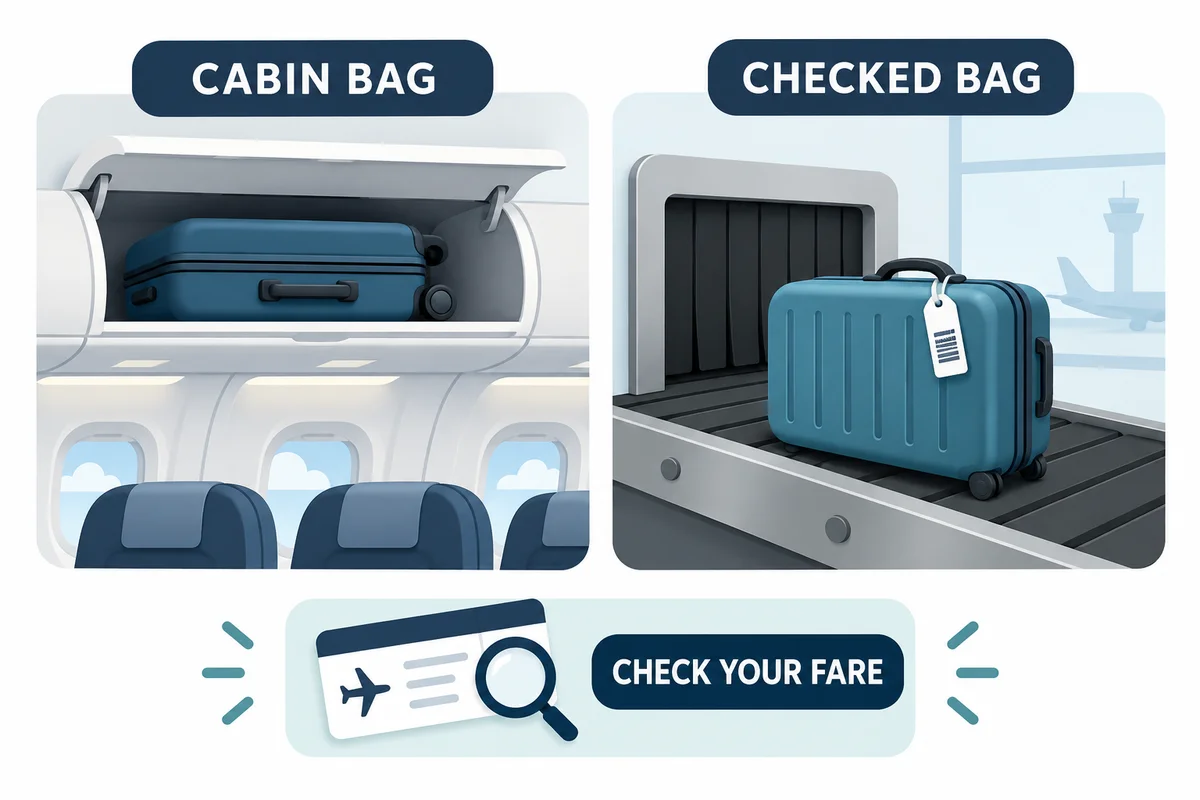
- Decide what luggage you will bring first, then read the detailed baggage conditions for each fare.
- If you need to purchase additional baggage, check the amount for the applicable flight segment, passenger, and quantity.
- Compare changing to a fare that includes baggage with adding baggage separately, using the same conditions.
- If the information is unclear or appears inconsistent with the airline’s rules, check with the airline or booking provider before payment.
Baggage weight and size limits should not be assumed to apply to all tickets. Trip.com’s official terms state that seat selection and baggage information is provided during the booking process and advise checking the exact details on the relevant airline’s official website. Official Terms of Use, Section 5, “Important Information Regarding Air Tickets”
3. Check Whether Seats and Add-Ons Change the Total
If you see items such as seat selection, baggage, meals, insurance, or protection products, first determine whether they are included in the basic fare or are optional paid items. The items shown and how they are selected may vary by product, airline, and booking environment.
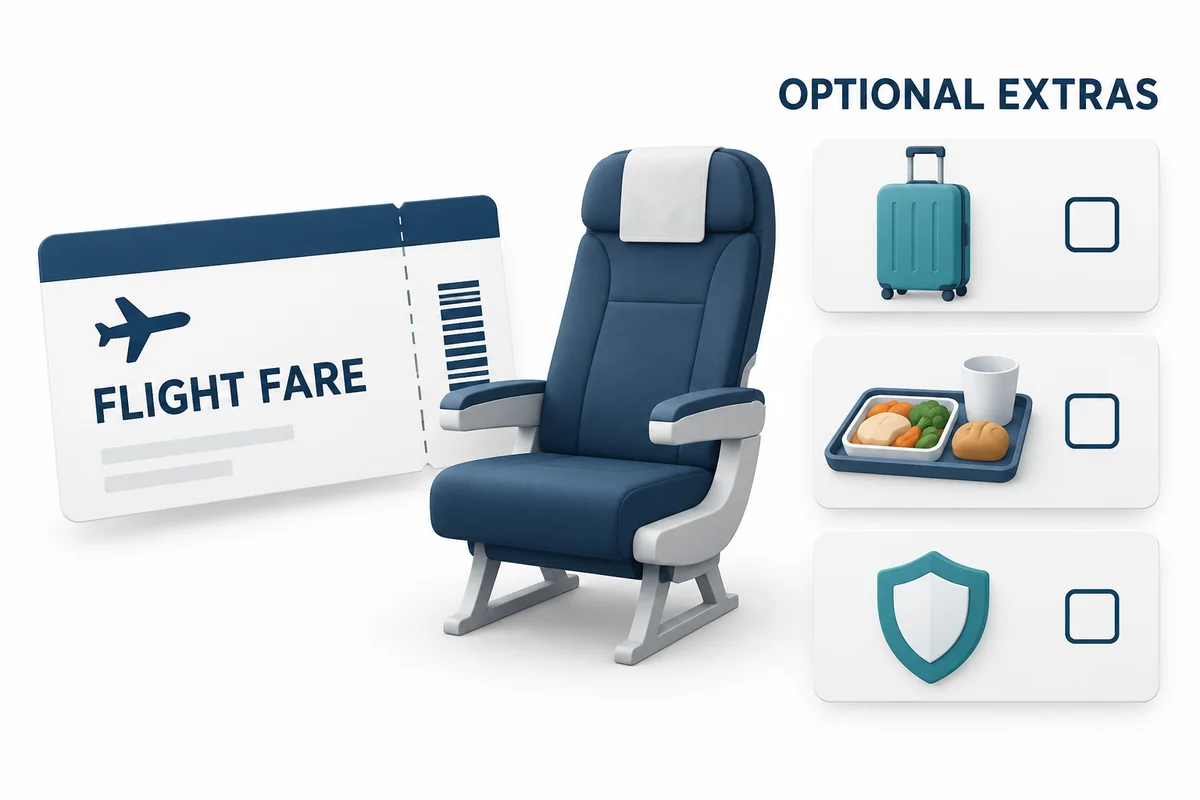
For example, if you need adjacent seats when traveling with someone, compare both booking providers with the same level of seat costs included. Conversely, consider whether optional items you do not need should be included in the price comparison. Check the airline’s rules for how seats are assigned if you do not pay to select them.
Do not assume that an insurance or cancellation protection product is the same as a free-cancellation ticket based on its name alone. Check the separate terms for covered circumstances, exclusions, and application procedures. Actual change and refund issues are covered separately in Trip.com Flight Cancellation Fees and Refund Guide.
4. Check Trip.com Flight Discounts in the Final Payment Details
Even if you find a discount code or coupon, you still need to check whether it applies to the flight you selected. Read the promotion details alongside the discount information for your selected booking, and check not only for a message saying the code was accepted but also the amount actually reduced and the final total.
- Eligibility: Is it for flights, and does it include the route, airline, and fare in question?
- Qualifications: Are there restrictions based on account, new-customer status, app, or payment method?
- Amount: What are the minimum payment, discount cap, and amount actually applied?
- Period: What are the booking period and travel period, respectively?
- Combination: Can it be used with other coupons, points, and similar benefits?
These items are a checklist to review for each promotion and do not mean that every coupon has the same conditions. If it is difficult to determine eligibility from the published terms alone, check the payment screen or contact official customer service. This article does not provide a fixed discount rate that is currently valid or a code that works for every user.
For the order in which to check coupons and points, see Trip.com Discount Code and Coupon Guide. If you use Trip Coins, check Trip Coins Usage and Expiration Guide as well as the terms applicable to the actual booking. Do not assume that different benefits can always be combined.
5. Calculating the Final Flight Payment: Do Not Count Taxes or Discounts Twice
If the final amount payable already reflects all discounts and optional items, use that amount as the starting point for comparison. Adding taxes that are already included or deducting a coupon that has already been applied a second time will result in an incorrect calculation. Check separately any costs that the card issuer may charge.
The following is an assumption for explaining the calculation. The same flight, passengers, checked baggage, seats, and change/cancellation conditions are matched, and it is assumed that there are no separate card issuer fees. Options A and B are not specific sellers and do not represent actual prices offered by Trip.com or an airline.
| Item | Option A | Option B |
|---|---|---|
| Displayed search price (assumed to include taxes) | 200,000 won | 220,000 won |
| Add the same checked baggage allowance | 30,000 won | Included, 0 won extra |
| Add the same seat conditions | 10,000 won | Included, 0 won extra |
| Discount actually applied | −10,000 won | 0 won |
| Final amount payable | 230,000 won | 220,000 won |
A is KRW 230,000 (200,000 + 30,000 + 10,000 − 10,000). B is KRW 220,000, so under this assumption, B, which had the higher displayed search price, has a final amount that is KRW 10,000 lower. Since taxes were assumed to be included from the outset, none were added. In an actual comparison, this conclusion applies only if the included services and refund conditions are also the same.
Two travellers, return trip: convert per-person, chargeable-leg extras into booking totals
This is Dassago’s hypothetical calculation, not an airline tariff. Assume two adults on a return trip, one chargeable leg each way, with both paying the same extras on each leg. A’s KRW 400,000 and B’s KRW 540,000 already cover the entire return booking for both travellers, including tax and applied discounts. Assume no separate card costs and the same flights, required baggage, seats and change/cancellation terms.
| Item | Unit and calculation | Whole-booking amount |
|---|---|---|
| A base booking | Whole return booking for two · tax and applied discount included | 400,000 KRW |
| A checked baggage extra | KRW 30,000 × 2 travellers × 2 chargeable legs | 120,000 KRW |
| A seat extra | KRW 10,000 × 2 travellers × 2 chargeable legs | 40,000 KRW |
| A final total | KRW 400,000 + 120,000 + 40,000 | 560,000 KRW |
| B total with the same inclusions | Return for two · same baggage and seats included | 540,000 KRW |
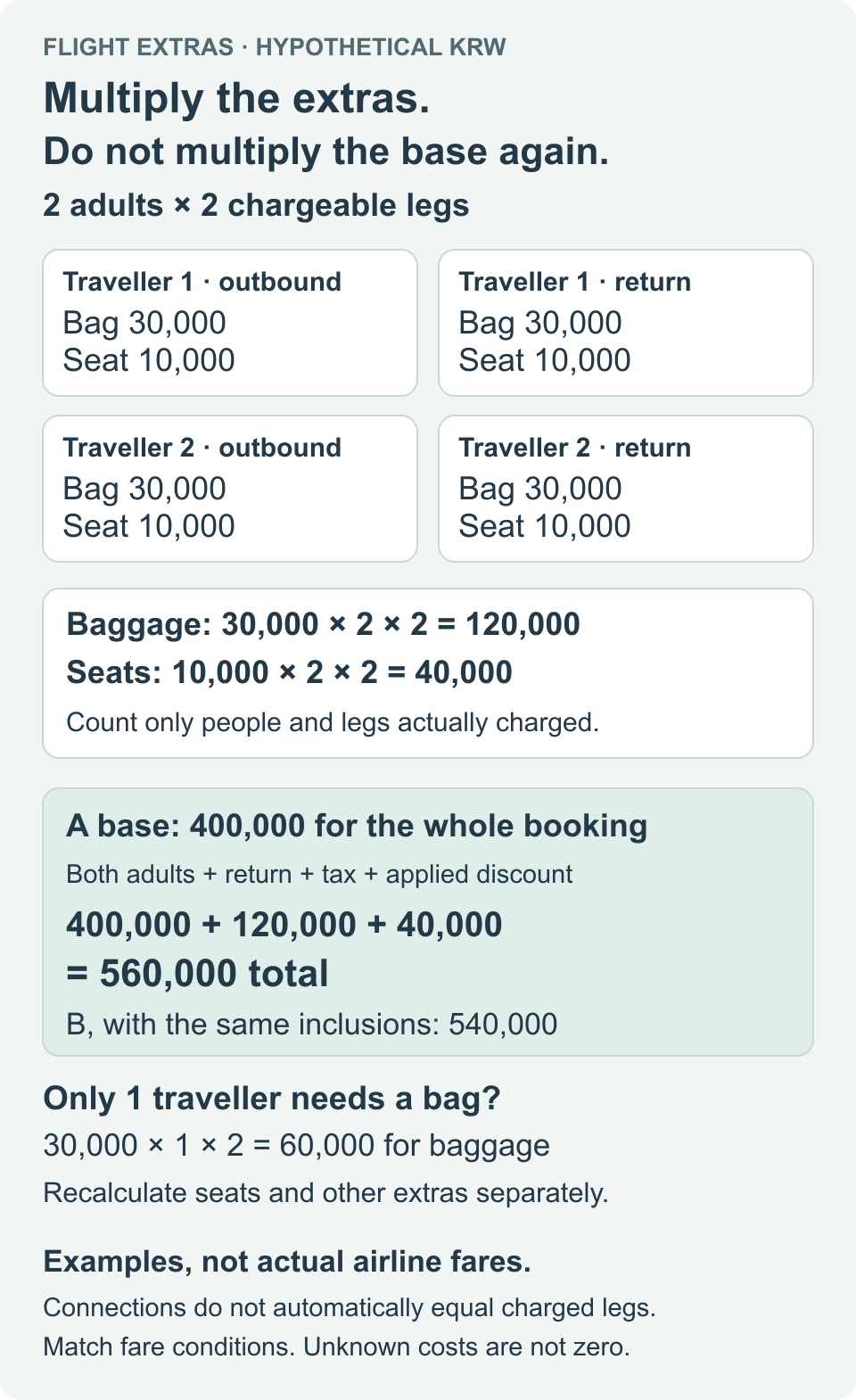
Add baggage of KRW 120,000 and seats of KRW 40,000 once each: A totals KRW 560,000, which is KRW 20,000 above B’s equivalent KRW 540,000. Adding only KRW 40,000 to A from the per-person, per-leg rates would undercount the booking by KRW 120,000.
Convert each excluded extra as its rate × people actually charged × legs actually charged. First check whether the quote is per item, kilogram, person, one-way trip, leg or booking. Here baggage means the same required single-piece allowance for each traveller on each charged leg; excess pieces or weight fees are not guessed.
If only one traveller needs baggage, that item in this example is 30,000 × 1 × 2 = KRW 60,000. Count seats and other items separately. Do not assume child or infant rates equal adult rates or equate the number of connections with chargeable legs. Check the actual fare’s charging unit and match inclusions again.
In the tool above, enter A’s base as KRW 400,000, baggage as an extra KRW 120,000 and seats as an extra KRW 40,000, once as whole-booking amounts. Enter B’s base as KRW 540,000 and mark its baggage and seats included. Do not multiply amounts already covering everyone and the return trip, or count included tax or discounts again.
This extends the one-person example by converting charging units into a booking total. Unknown costs are not zero. Keep the like-for-like price decision withheld if currency, baggage, seats or change/cancellation terms differ. This is not a verified booking, payment or price advantage for any seller.
Check the payment currency and card fees separately
Even when comparing prices in the same currency, the amount charged to your card may vary depending on the payment terms. Trip.com’s official terms state that when payment is made in another currency, the card issuer may apply a different exchange rate or charge a foreign transaction fee. Do not assume that displaying a price in Korean won means there are no foreign transaction-related costs on your card. Official Terms of Use, Section 4, “Payment and Currency”
If you have not been able to confirm the exchange rate and card fees, it is more accurate to note “final card charge unconfirmed.” Do not enter unverified fees as KRW 0 or claim that a particular currency is always more advantageous.
6. Criteria for comparing with direct airline bookings and other dates
Look for the same flight and fare conditions on the airline’s official website, and check the price including the baggage and seat selection you need. When comparing offers from other sellers, also review the contact point and fees for handling change and cancellation requests. A price difference alone does not mean the services and contract terms are the same.
If your schedule is flexible, you can compare actual results for available dates or use any price alerts offered. Trip.com introduces price alerts and price-trend tools in its public flight booking information. However, setting an alert or booking on a particular day of the week or through the app does not guarantee a price drop or the lowest price. Trip.com official flight booking information
7. Checklist before paying for Trip.com flights
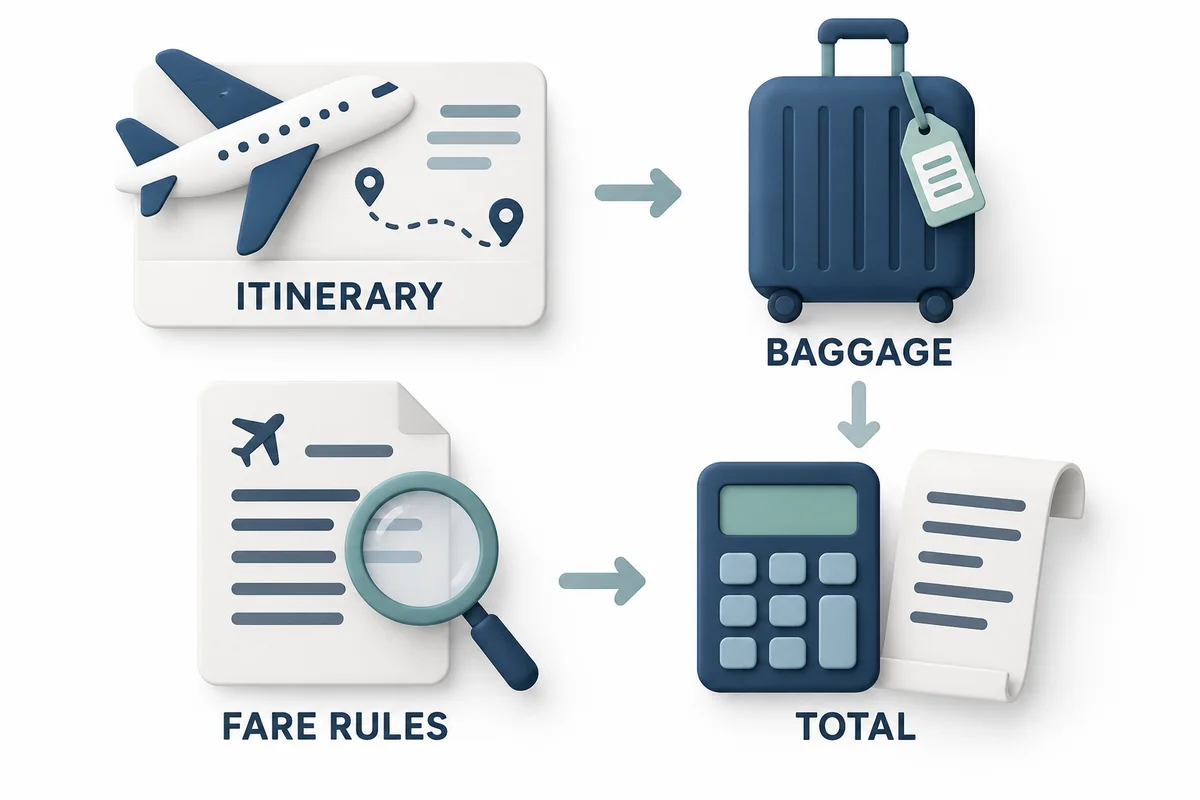
- Do the airport, date, time, flight number, and passenger details match the intended itinerary?
- Have you avoided confusing the price per person with the total for all passengers?
- Have you checked the cabin and checked baggage terms for the outbound and return flights and each segment?
- Have you checked the optional items and fees, such as seats, in-flight meals, and protection products?
- Was the coupon actually applied to this booking, and is it already reflected in the final price?
- Have you distinguished whether taxes and fees are included, the payment currency, and any separate card issuer fees?
- Have you checked whether changes or cancellations are allowed, the associated fees, and which booking provider to contact?
- When comparing with a direct airline booking, have you matched the included services and fare conditions?
If an error occurs during payment or booking, do not pay again without knowing whether you have already been charged. Trip.com’s official terms advise contacting customer service to confirm whether the booking succeeded before retrying if a payment problem occurs. Official payment information
Self-transfer clauses partially checked on 2026-10-25: distinguish a single itinerary from separate tickets or a self-transfer package. Check baggage recheck, terminals, entry procedures, sufficient connection time and the package’s actual protection terms. Do not assume every connection has the same guarantee; no flight or claim outcome was tested.
Frequently asked questions
Are Trip.com flights always cheaper than flights booked on an airline’s website?
It cannot be said that they are always cheaper. Compare the final prices under matching conditions for the same flight, fare, baggage, seat, and change/cancellation terms. This article does not make claims based on measured price advantages for any particular seller.
Does applying a discount code make it the cheapest option?
Not necessarily. The pre-discount price and any necessary additional costs may differ. Compare the total payable after the discount with other options under equivalent conditions.
Can I add checked baggage later if my ticket does not include it?
Check whether and when additional baggage can be purchased for that airline, fare, and booking. Do not assume it can be added or that it will always cost the same. The basis for comparison is the price including the baggage you need, checked before payment.
Are fares that include baggage and seats always more expensive?
Even if the displayed fare is higher, the final price may be lower than choosing an option where you purchase the items you need separately. Compare options with the same included services as well as the same change and cancellation terms.
If the price is displayed in Korean won, are there no foreign transaction fees?
You cannot determine this from the Korean won display alone. Check the booking’s payment terms and the exchange rate and foreign transaction costs charged by your card issuer. Treat any unverified card charge as unconfirmed.
Where can I check cancellation and refund details for a flight I have already paid for?
First check the fare rules and change and cancellation information in your booking details. Some tickets may not be changeable or refundable. For the steps to check before submitting a request, see Flight Cancellation and Refund Guide.
Official sources and scope of verification
- Trip.com Korean Terms of Use — Section 4, Payment and Currency; Section 5, Flight Tickets. Display updated September 22, 2026; effective September 29, 2026. Verified October 13, 2026.
- Trip.com official flight booking information — Price alerts and trend tools, and items to check for costs. Verified October 13, 2026.
The guidance in the official terms is distinguished from Dassago’s comparison method and illustrative calculations. The final payment for a specific flight, coupon eligibility for individual accounts, current discount rates, and card charges have not been verified. For an actual booking, the terms for the selected offer, airline, promotion, and card take precedence.
All five images are AI-generated illustrative assets. They are not actual Trip.com or airline screens, customer reviews, or proof of payment. The key meaning of the English labels is provided in this article’s text and image descriptions.
Check Trip.com flights and applicable conditions
Dassago may receive a commission for bookings made through affiliate links. Check the final information for the specific booking to confirm discount eligibility, price, and cancellation availability.