Compare Trip.com bookings by the final total for the same dates, travellers, room or fare. Coupon eligibility and issue channel matter; future Trip Coins are separate from a current discount. This hub covers booking and total-cost checks, with detailed codes, minimum spend and caps in the linked coupon guide.
Affiliate disclosure: this article contains affiliate links. Dassago may earn a commission from bookings at no extra cost to you. A link does not guarantee coupon eligibility or a discount.
Discount and date conditions checked: 2026-10-18 KST. Public notices and terms were compared; logged-in coupon issuance and successful payment were not tested. Partial review 2026-10-23 KST: USD card wording only; other discount/date checks remain 2026-10-18.
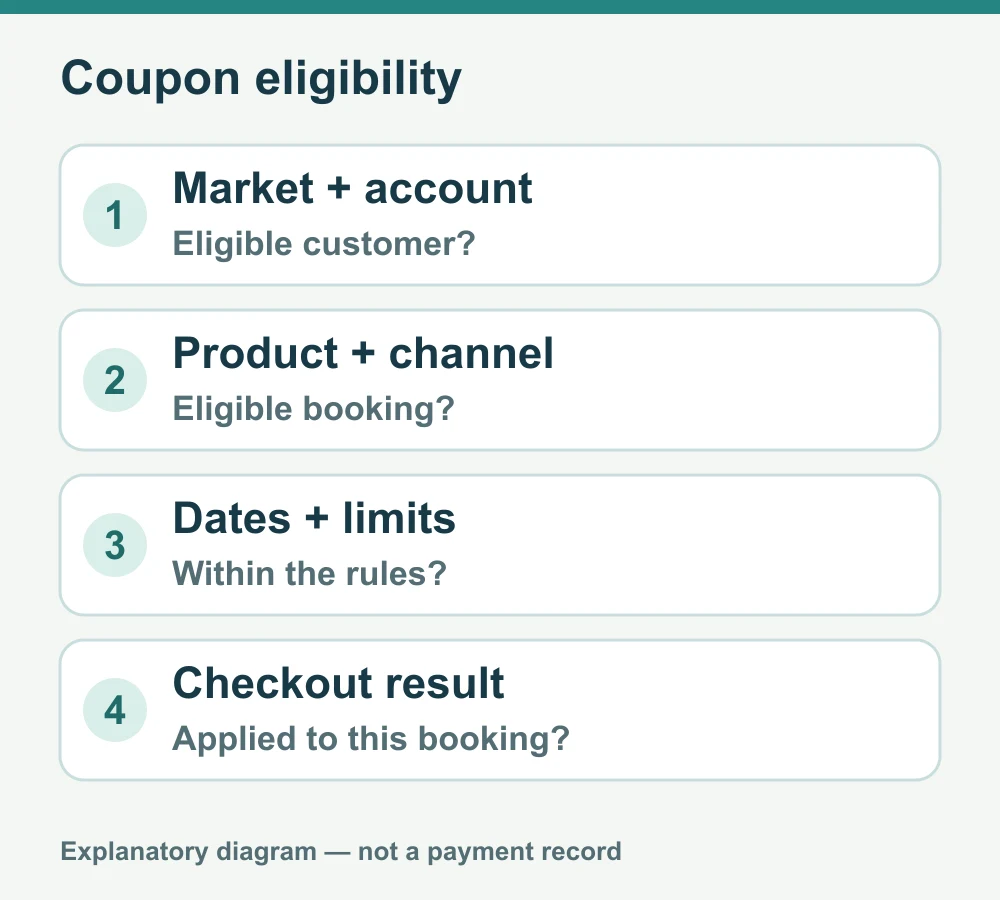
A coupon code alone does not establish eligibility. Check the market and account, eligible product and collection channel, dates and limits, then confirm the actual application and final total at checkout. The Korean official conditions are not universal eligibility for every country or account.
Product codes, discount caps and issue conditions
| Product · Campaign | Maximum benefit on the official page | Key conditions |
|---|---|---|
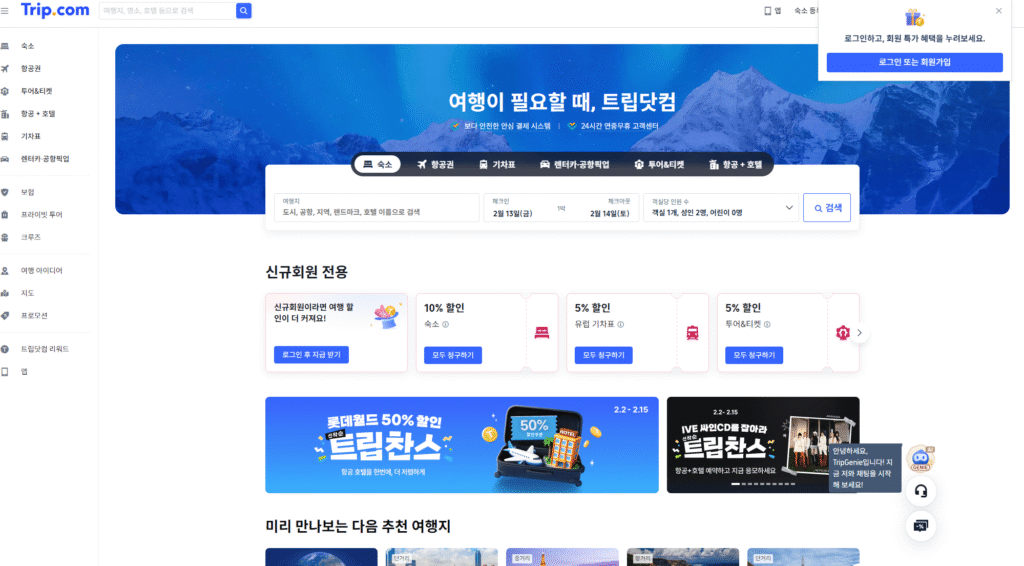
| First hotel booking | Up to 10% | New customers, eligible hotels and app-coupon conditions; listed through 2026-12-31. The official hotel coupon of up to 10% has a maximum KRW 13,000 discount. Check the issued coupon’s actual expiry, minimum spend and eligible hotel separately from the overview’s 2026-12-31 date. |
| First car rental | Up to 8% | TRIPCAR8. The notice lists both 2026-12-31 and 90 days after issuance; check the actual coupon expiry. |
| First airport transfer | Up to 10% | Coupon collected in the app only. Check cities, vehicles, account eligibility and coupon expiry. |
| First tour or ticket booking | Up to 5% | New-customer coupon; listed through 2026-12-31. Product and account conditions apply. |
Trip.com official Korean discount notice · Trip Chance general and product terms
Separate-channel tours and tickets: 6%, capped at KRW 10,000; SEO Naver blog channel only, through 2026-12-31. Not a universal benefit of Dassago’s affiliate link.
Past Trip Chance campaign: the booking period has ended
Booking-period review: 2026-10-27 KST. The Trip Chance common terms list the booking/promotion period as 2026-09-28–10-25; that published period has passed.
No extension was found on either page reviewed. The Trip Chance percentages below describe the past campaign, not a currently available benefit for new bookings.
Route/hotel-specific travel or stays through 2027-03-31 do not extend the booking period. Check the terms and account details separately for existing bookings or previously issued coupons.
This review covers the booking period only; other coupons, prices and card eligibility were not revalidated. Conflicting KB Kookmin Mastercard/Samsung Visa wording remains in the USD card terms; card eligibility is unconfirmed.
The past campaign advertised up to 50%, subject to membership, first-come availability and eligible products. General flight and hotel offers required KRW payment. This is not a confirmed current benefit for new bookings.
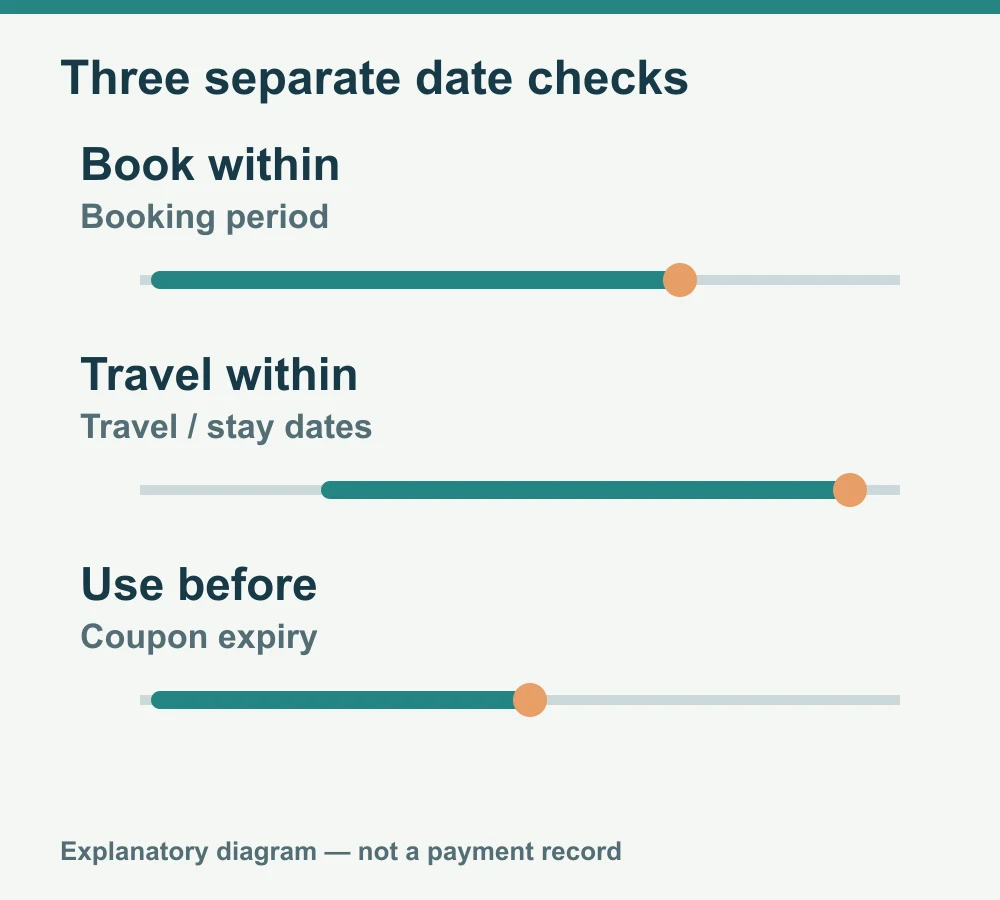
The booking deadline, permitted flight or stay dates and the issued coupon’s expiry are separate conditions. A coupon may also have a validity period after issue or an expiry time. Check that all three date conditions fit the booking.
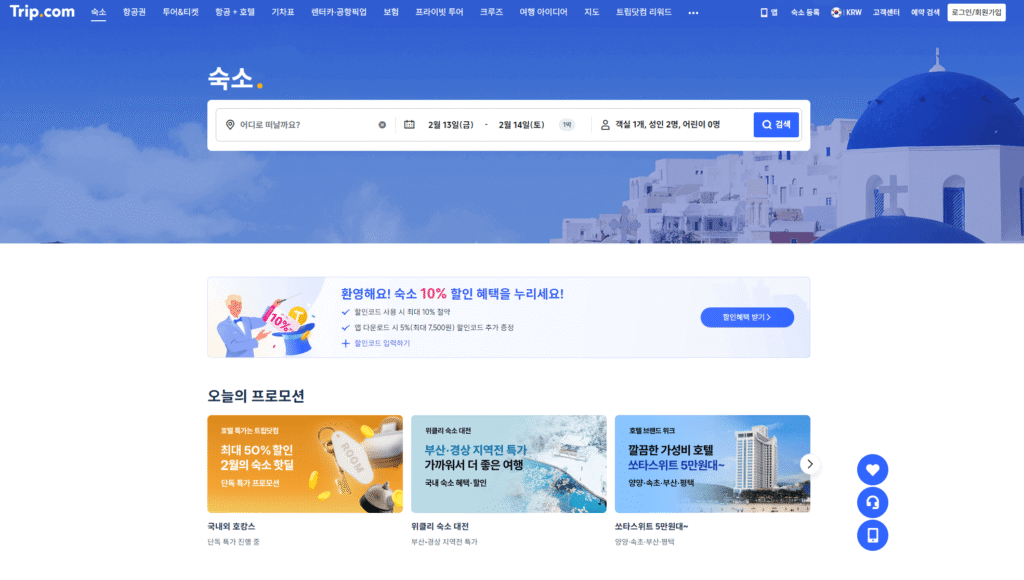
Check the current Trip.com product terms and final total at checkout.
Compare equivalent bookings and the final total
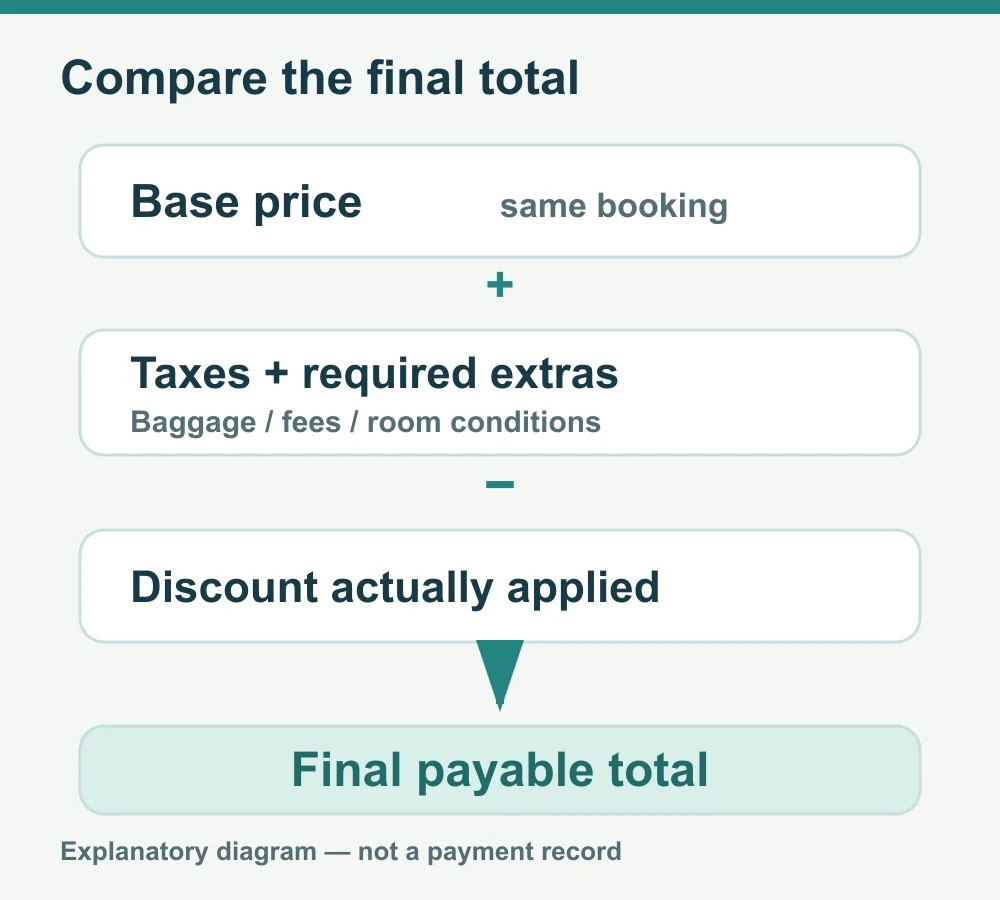
Compare the same dates, travellers, room or fare and currency. Add taxes and required extra costs to the base price, then deduct only the discount actually applied. Do not count pending Trip Coins or an unapplied coupon as a current discount.
- Hotels: match room, breakfast, taxes and charges payable at the property. Trip.com Hotel Discounts 2026: New Members, App Coupons, and Trip Coins
- Flights: include baggage, seats, ticketing and change fees.
- Currency: distinguish display currency, card foreign-transaction fees and exchange rates. No currency is always cheaper.
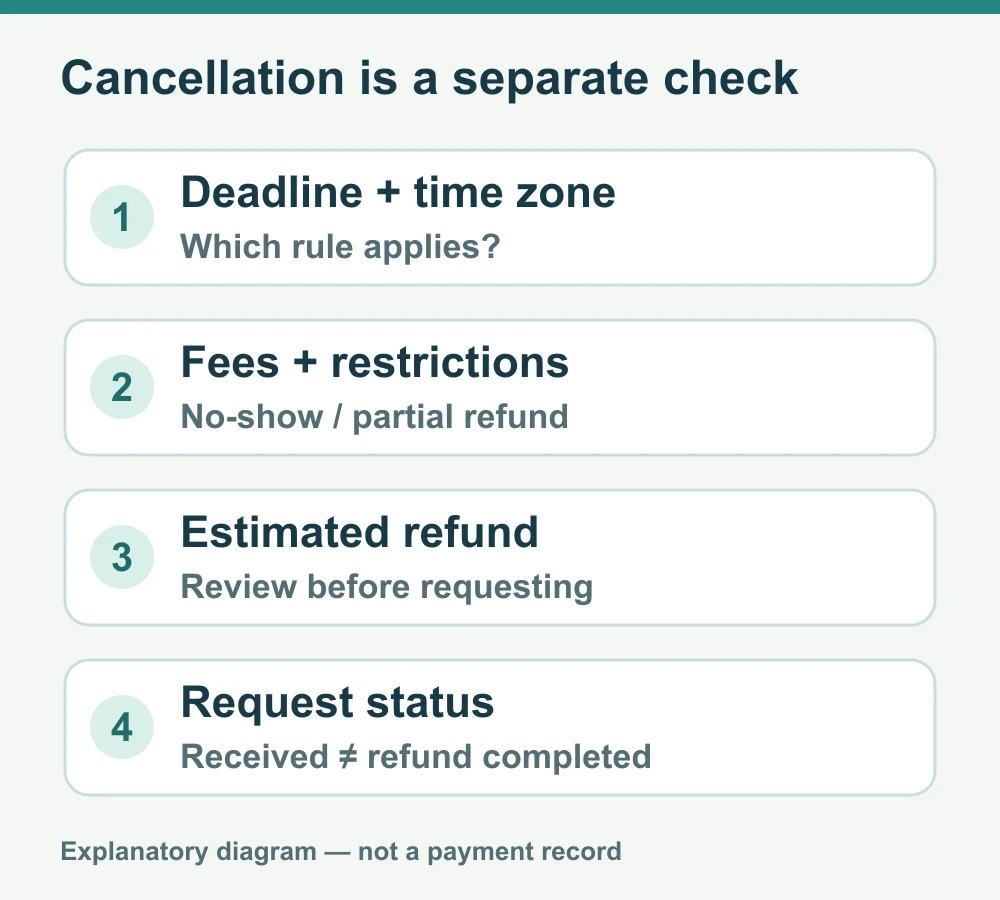
- Cancellation: check the free-cancellation deadline, time zone, no-show and partial-refund rules.
- Confirmation: check booking status, confirmation email, supplier reference and support route for that booking.
Booking dates differ from travel and stay dates. Limited coupons may run out even after collection; check minimum spend, currency, account and combination rules for each coupon.
Trip Coins: pending rewards versus today’s discount
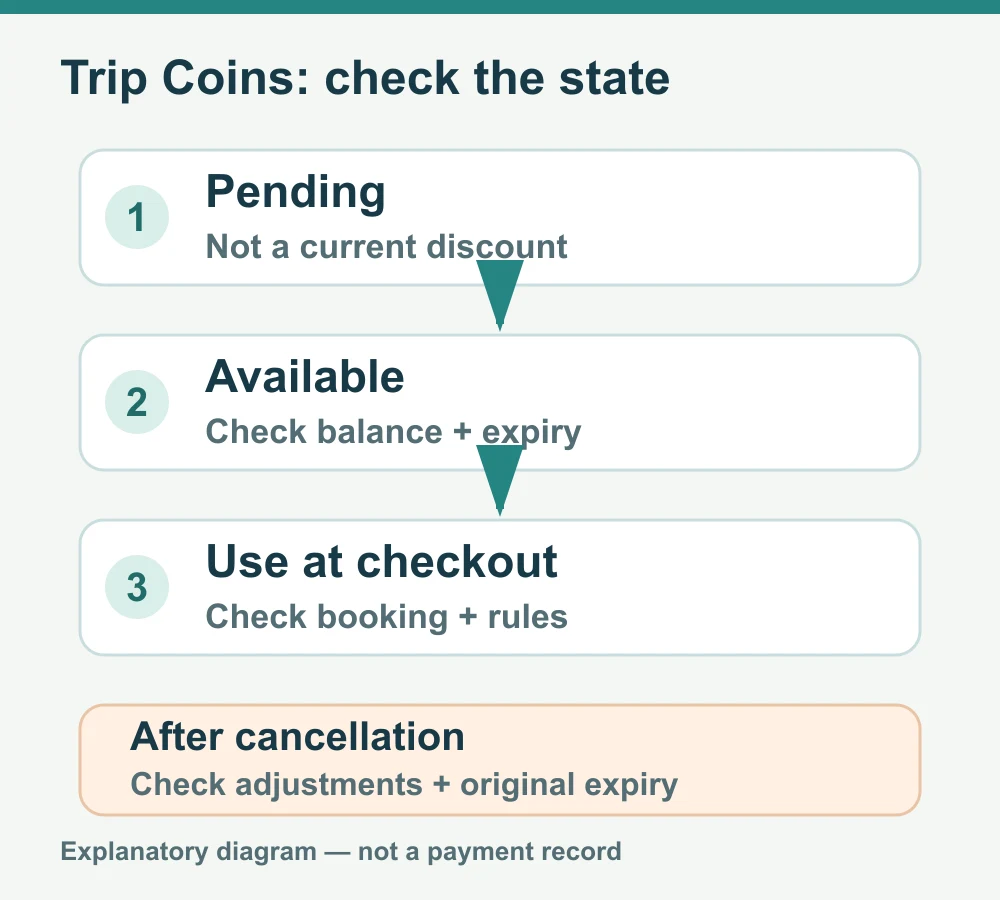
Trip Coins are rewards usable on eligible prepaid bookings, not assets exchangeable for cash. Do not add pending rewards to today’s payment discount. Check product and tier rules, crediting time, balance, expiry and coupon combinations in the membership guide and booking screen. Cancellation may adjust earned or returned Coins; returned Coins may retain their original expiry.
Official Trip.com membership and Trip Coins guide
Distinguish pending Trip Coins, the available balance and the amount actually deducted for this booking. Available coins remain subject to product, payment and combination rules.
Conditions for other travel products
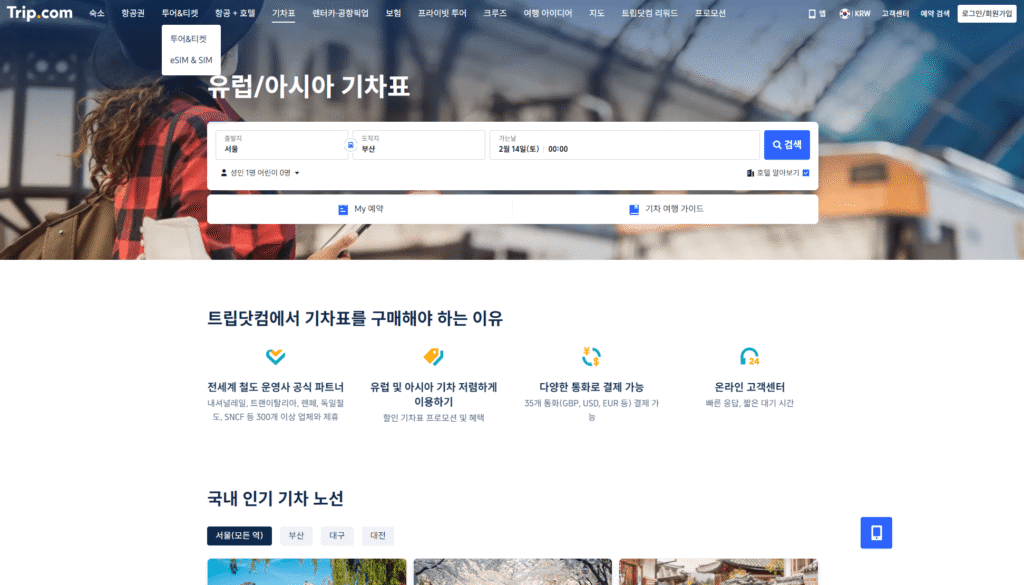
For trains, check departure and arrival stations, dates and times, the passenger’s name and required ID, and change or refund rules.
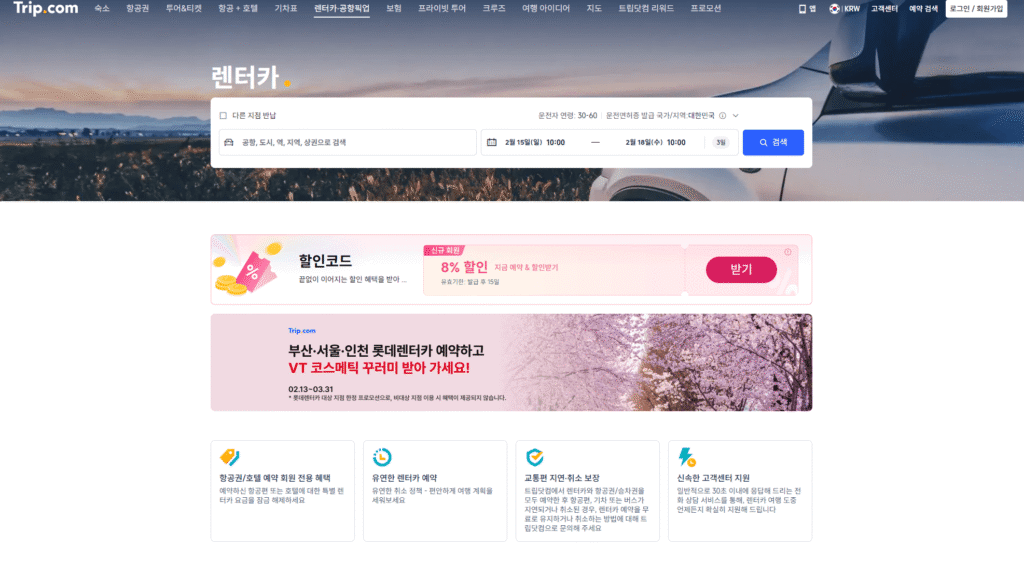
For car rentals, check driver age, licence, insurance, deposit, fuel and return rules. For transfers, check vehicle, travelers, luggage, waiting time and flight-delay arrangements.
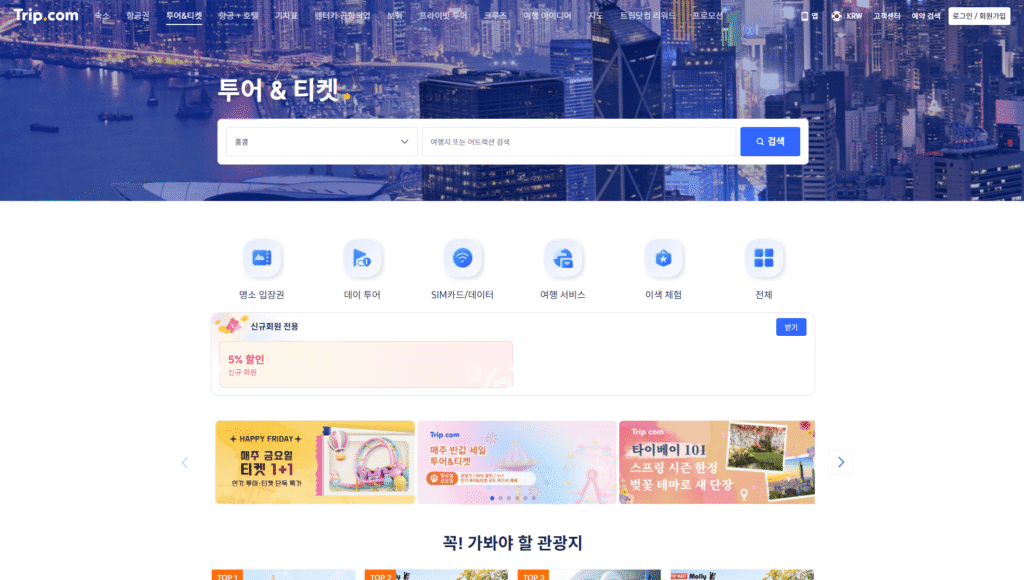
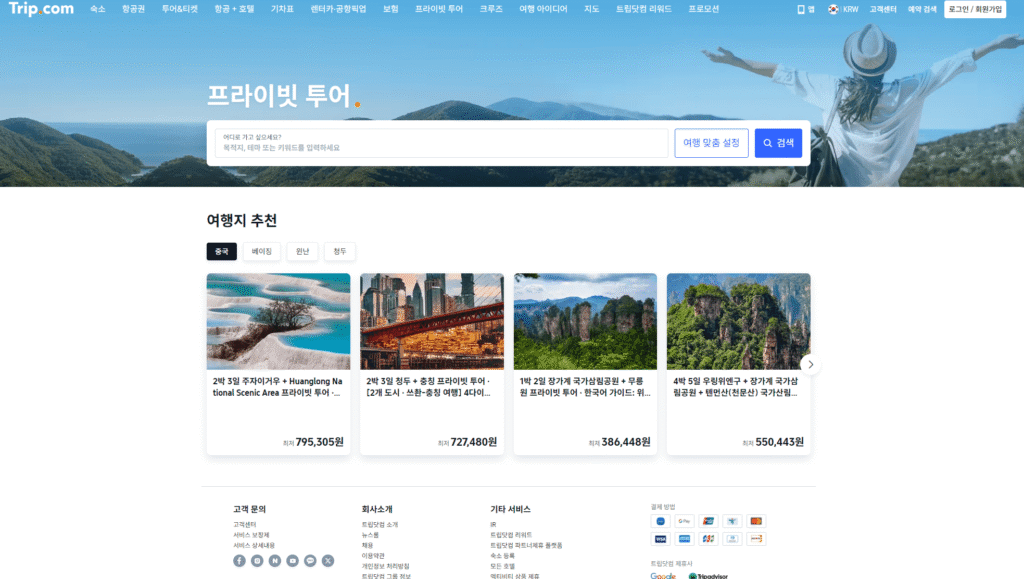
For tours, tickets and private tours, check date, group size, admission, included costs, language and cancellation deadline. The same destination does not mean the same product or refund terms.
A discounted booking still follows the selected room, fare or product’s cancellation rules. Check the deadline and time zone, fees, no-show and partial-refund conditions, and the estimated refund before requesting cancellation. A received request is not the same as a completed refund.
Frequently asked questions
Can the past Trip Chance maximum of 50% be used for every new booking now?
No. The published Trip Chance booking period has ended. Its maximum of 50% applied to selected destinations and products; it is separate from first-booking coupons. Check each hotel, car rental, airport transfer or activity coupon’s limits and conditions.
Can coupons and Trip Coins always be combined?
Combining benefits is not guaranteed. Check product and campaign rules. The USD card notice conflicts between KB Kookmin Mastercard and Samsung VISA, so neither card eligibility nor combination rules should be treated as confirmed.
Does a discounted booking include free cancellation?
Not necessarily. Discount eligibility and cancellation rights are separate. The selected room, fare or product’s deadline and fees apply.